Time tracking··6 min read
The billable hours you never invoice
You did the work. The week filled up. Then invoicing time came—and half the hours had nowhere solid to land.
Ask freelancers where money leaks, and many point to late payments. Fair. But there’s a quieter leak: hours that never become an invoice in the first place.
A Slack call here. A “quick review” there. Research before the kickoff. Revisions after the delivery. None of it felt big enough to track in the moment. Together, it can be a full unpaid day every month.
The struggle: time tracking that doesn’t feed billing
A standalone timer creates the illusion of control. You pressed start. You pressed stop. Then, days later, you’re staring at a timesheet that isn’t attached to the right project, task, or rate—and invoicing becomes archaeology.
- Hours logged without client or project context
- Billable and non-billable time mixed together
- Unbilled work invisible until month-end panic
- Invoices rebuilt from memory instead of entries
Track time where the work already lives
Time tracking only pays off when it stays connected to delivery and invoicing. That’s why Rebban time tracking sits with projects and invoices—not off in a separate stopwatch app.
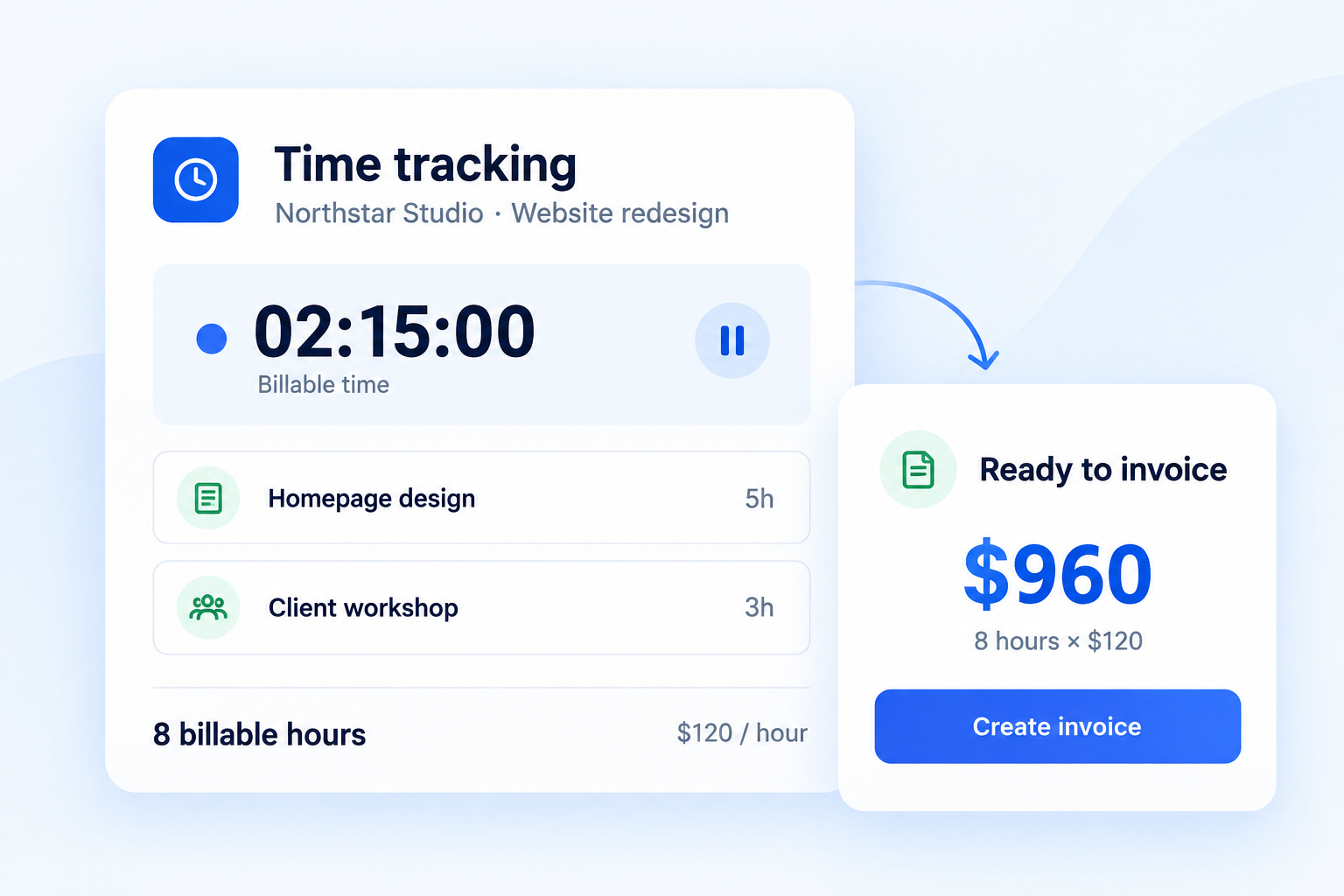
Start a timer or add hours manually. Mark billable vs non-billable. Then turn tracked work into an invoice without copying numbers into a spreadsheet first.
- Log time against the right client, project, and task
- Review unbilled hours before they age out of memory
- Create invoices from the entries you’ve already captured
- Keep payment follow-up attached to the invoice that follows
If you can’t see unbilled time at a glance, some of it is probably never getting billed.
Upstream and downstream fixes
Lost hours often start with fuzzy scope. If clients keep expanding the work, tighten the front end with clearer proposals and read Scope creep usually starts with a vague proposal.
And once the invoice exists, don’t leave collection to awkward personal follow-ups. Pair tracked time with invoices and payment reminders, or go deeper in Tired of chasing clients for payment?.
Hard work should show up on the invoice. Connected time tracking is how that happens inside Rebban.
Put this workflow into practice
Rebban connects proposals, projects, time tracking, invoices, and payment reminders—so less work falls between tools.
Start free trial